Your photo, with a different background
Remove portrait backgrounds for profiles and personal designs
Prepare a profile picture, choose a new backdrop, or make a personal design. Remove the background and keep your portrait ready to crop, edit, and download.
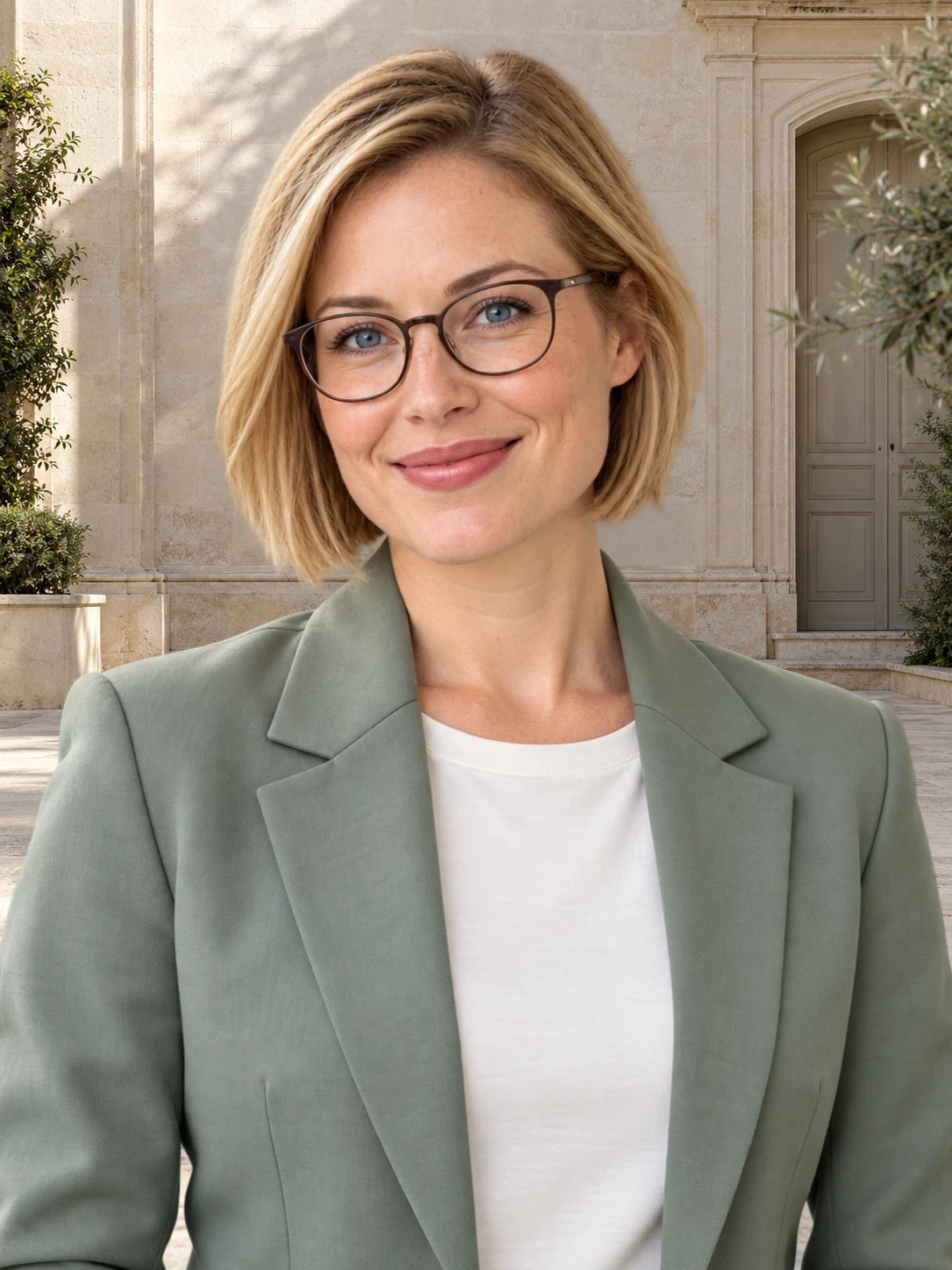
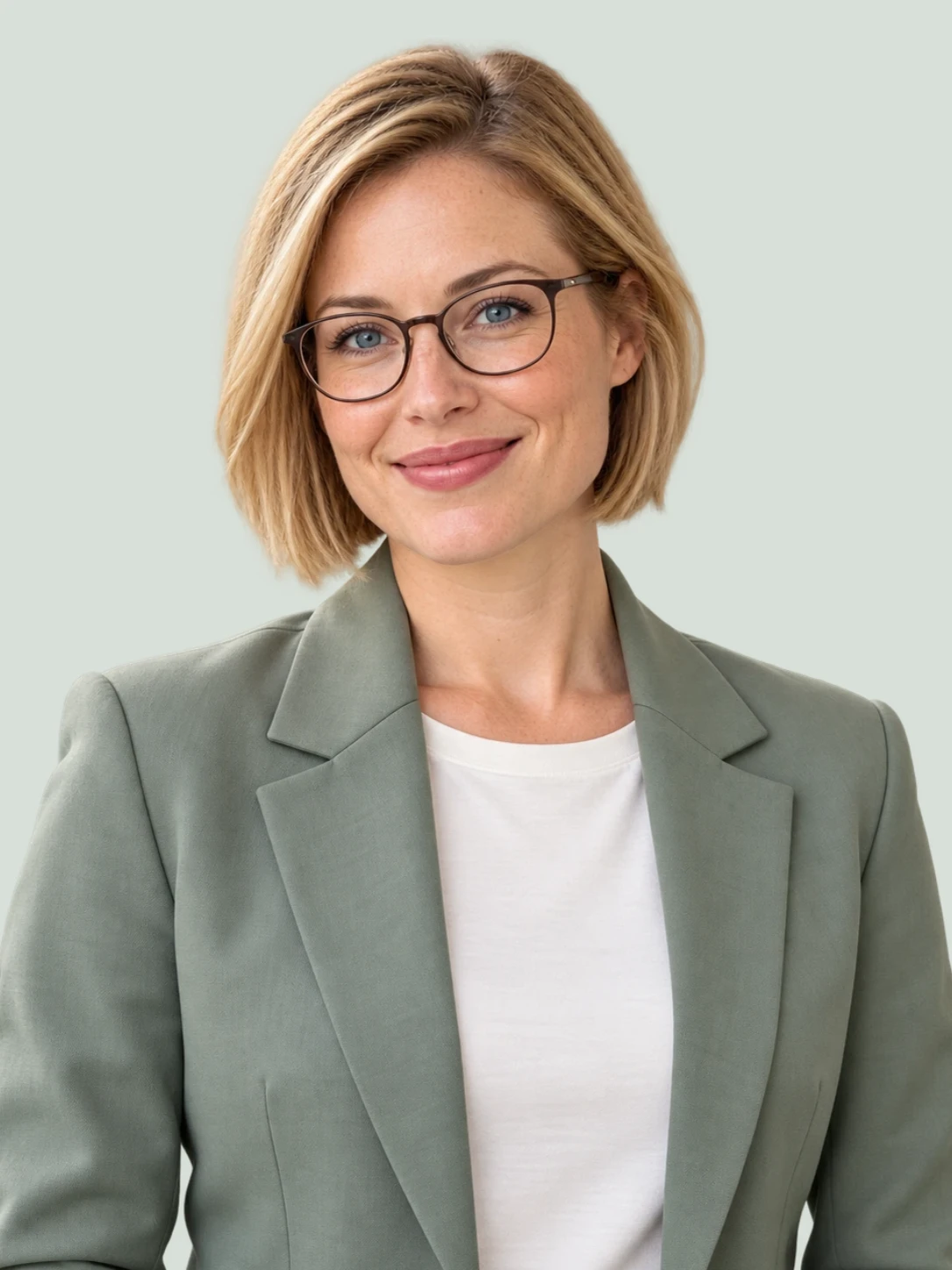
A profile picture with the right framing.
Remove distractions behind you, then choose an aspect ratio and adjust the crop. Keep your face and shoulders visible for the place you will use the photo.
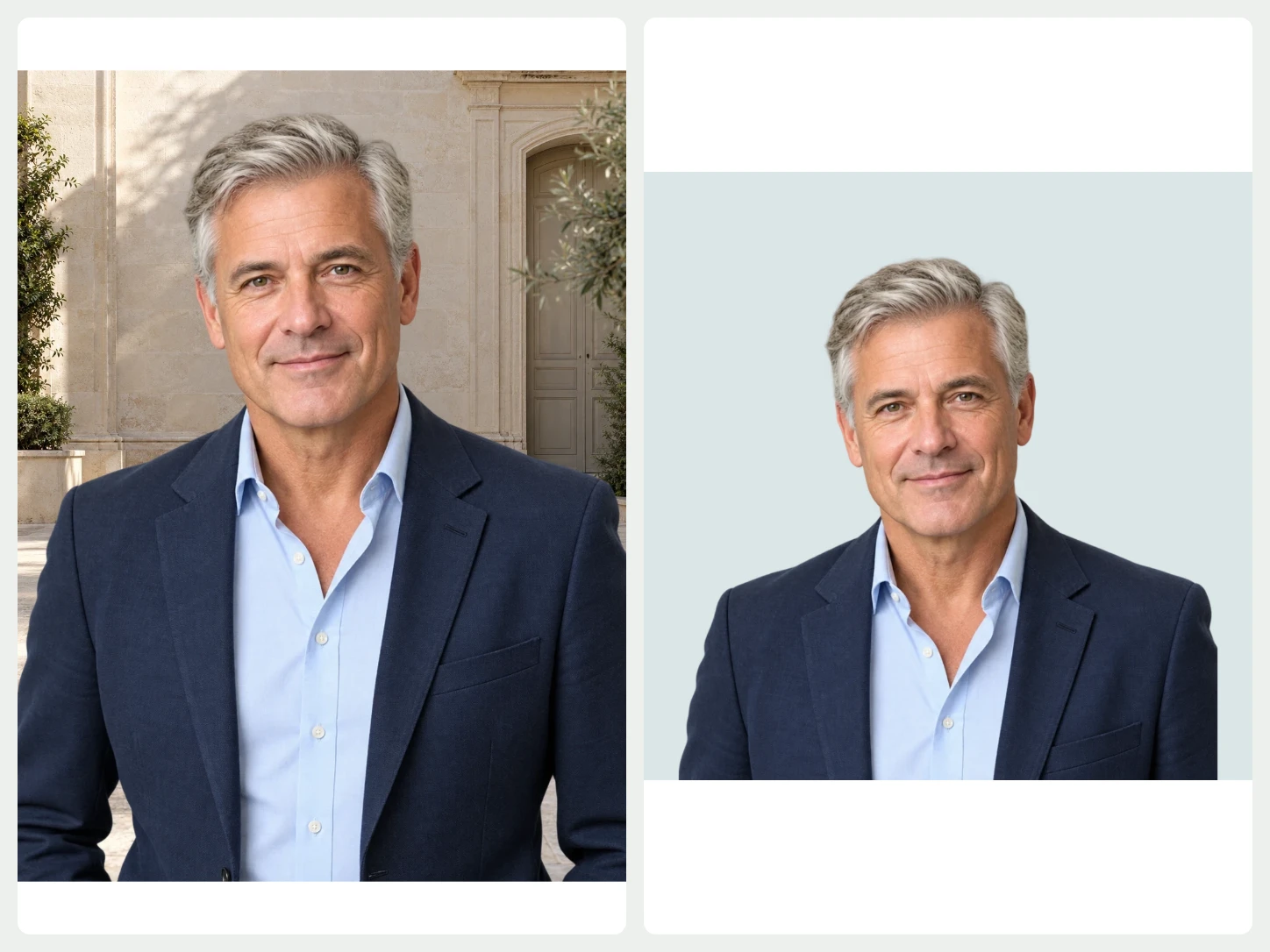
Crop and place your image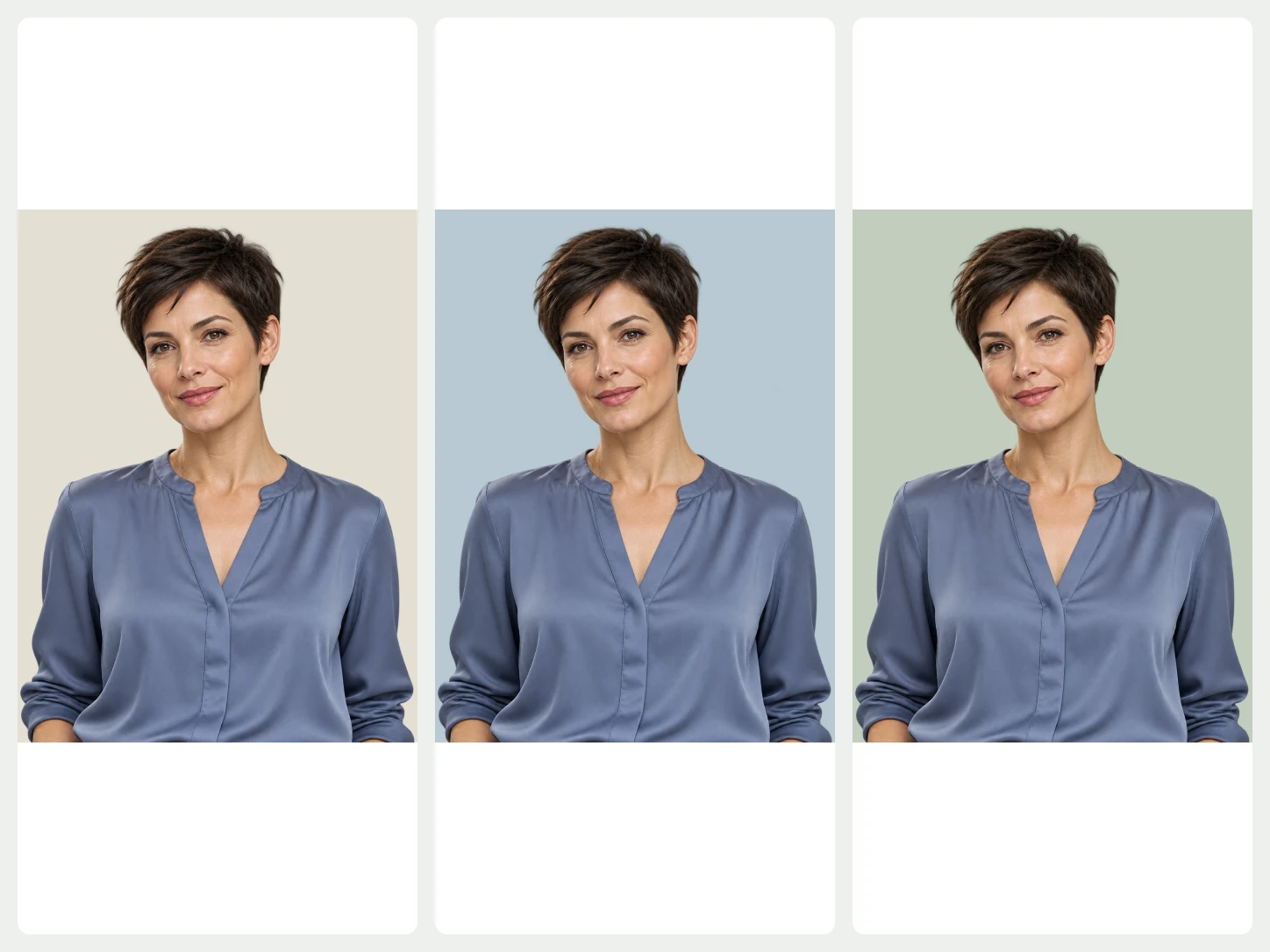
Try a different backdrop.
Choose a background photo, use a simple color, or upload your own setting. Keep the same portrait while trying different looks.
Change the background
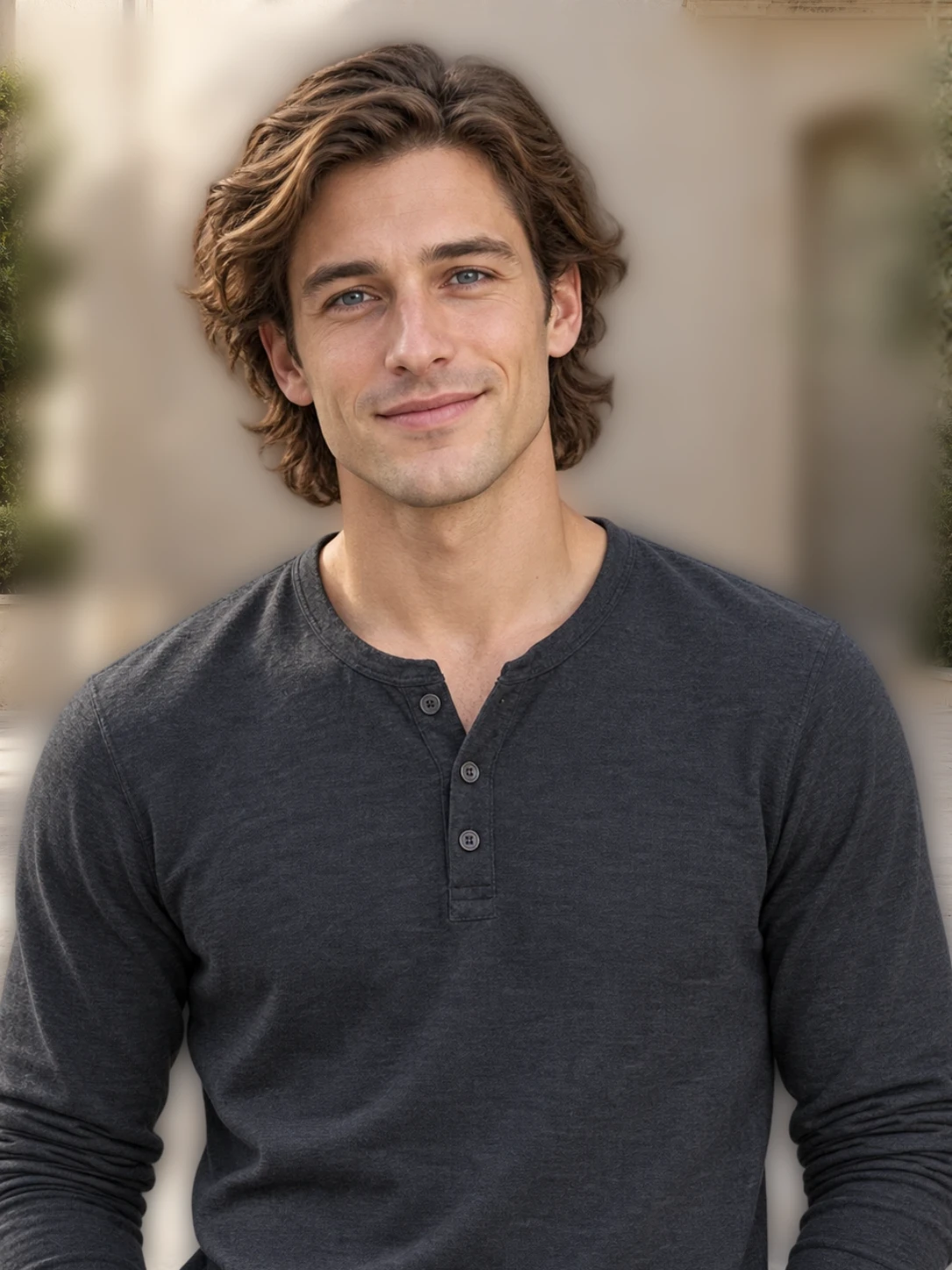
Keep the attention on you.
Blur the original background, adjust its strength, or explore image effects. Compare your edits and undo anything you want to change.
Explore blur and shadowsFrom your photo to a finished image
- 01
Start with your photo
Choose one image to remove its background. For a whole set, open Bulk Editing.
- 02
Make it fit your purpose
Change the background, refine the cutout, or add text and a layout. Review the image as you edit.
- 03
Download the finished image
Export PNG, JPG, or WebP. Use PNG or WebP when you need a transparent background.
Common questions about Bgbye
Does changing the background create a new face?
Background replacement uses your cutout over another background. Check the hair and clothing edges in the preview, then adjust or undo edits before downloading.
Can I upload more than one image?
Yes. The home page handles one image at a time. To process multiple images together, use Bulk Editing. It requires an account and image credits.
Which image types can I upload?
You can upload PNG, JPG, JPEG, WebP, or AVIF images.
Can I review the result before I download it?
Yes. You can preview the result, compare the edges, and download only when it looks ready.