Graphics ready for your next design
Remove logo and illustration backgrounds for transparent images
Turn a logo or illustration into a reusable cutout. Try it on different backgrounds, combine it with text, and export a finished image.
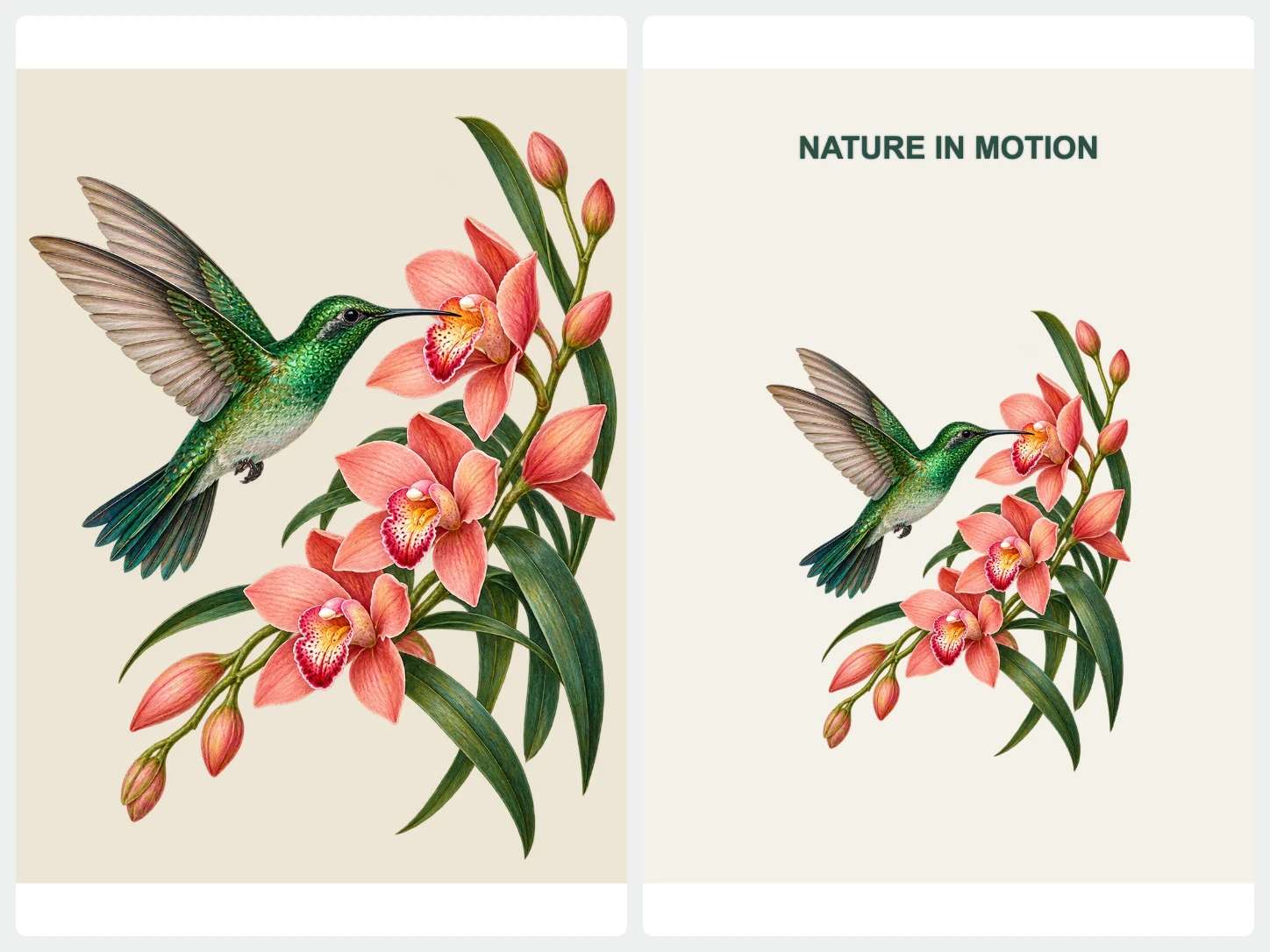
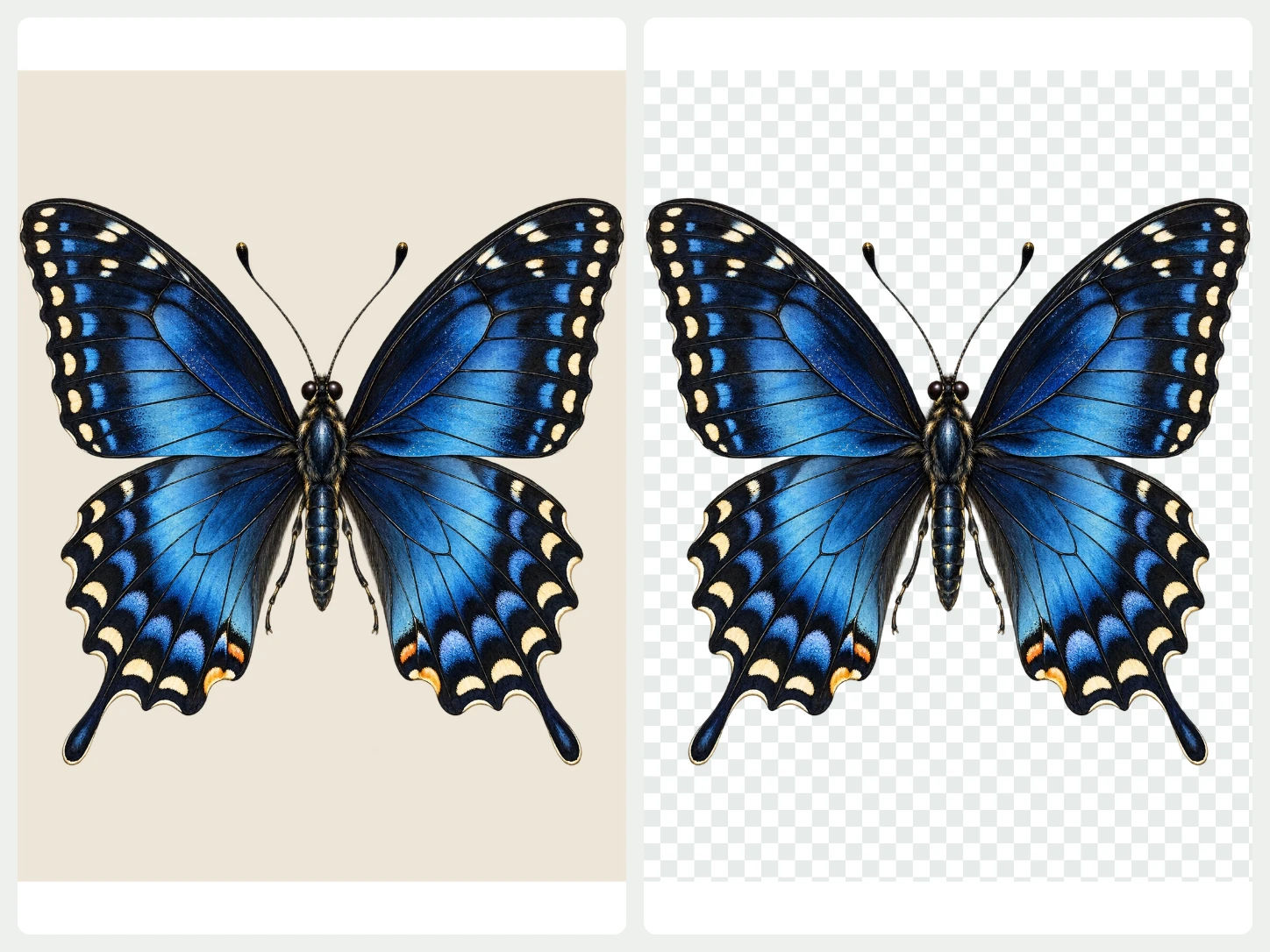
Keep the graphic. Remove its backdrop.
Remove the background from your artwork and check the outline and internal spaces. Refine the cutout before exporting a transparent PNG or WebP.
Refine your cutout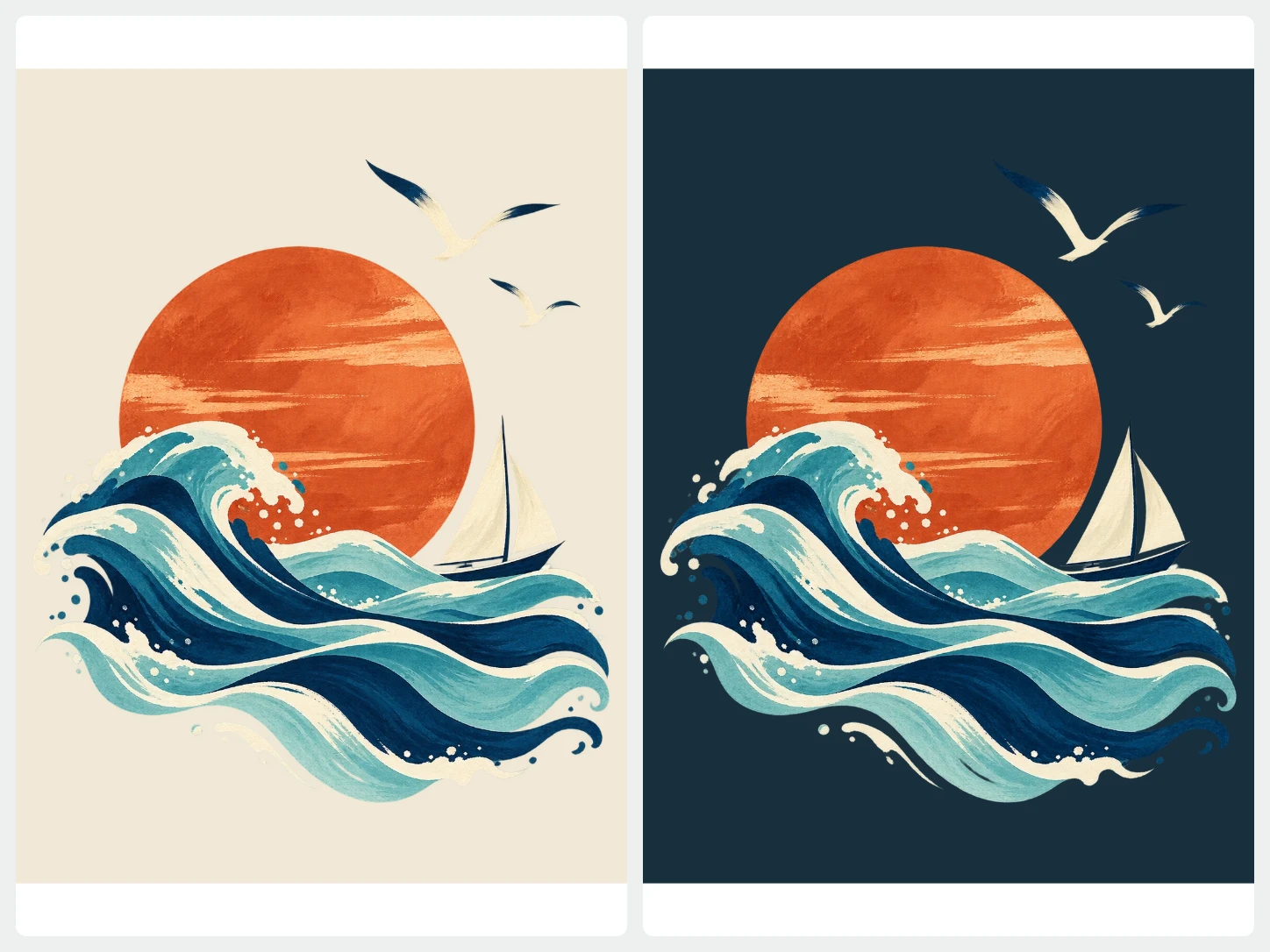
See how it works on another color.
Try solid background colors while keeping the same graphic. Check the contrast of small details and the outer outline before downloading.
Choose a background color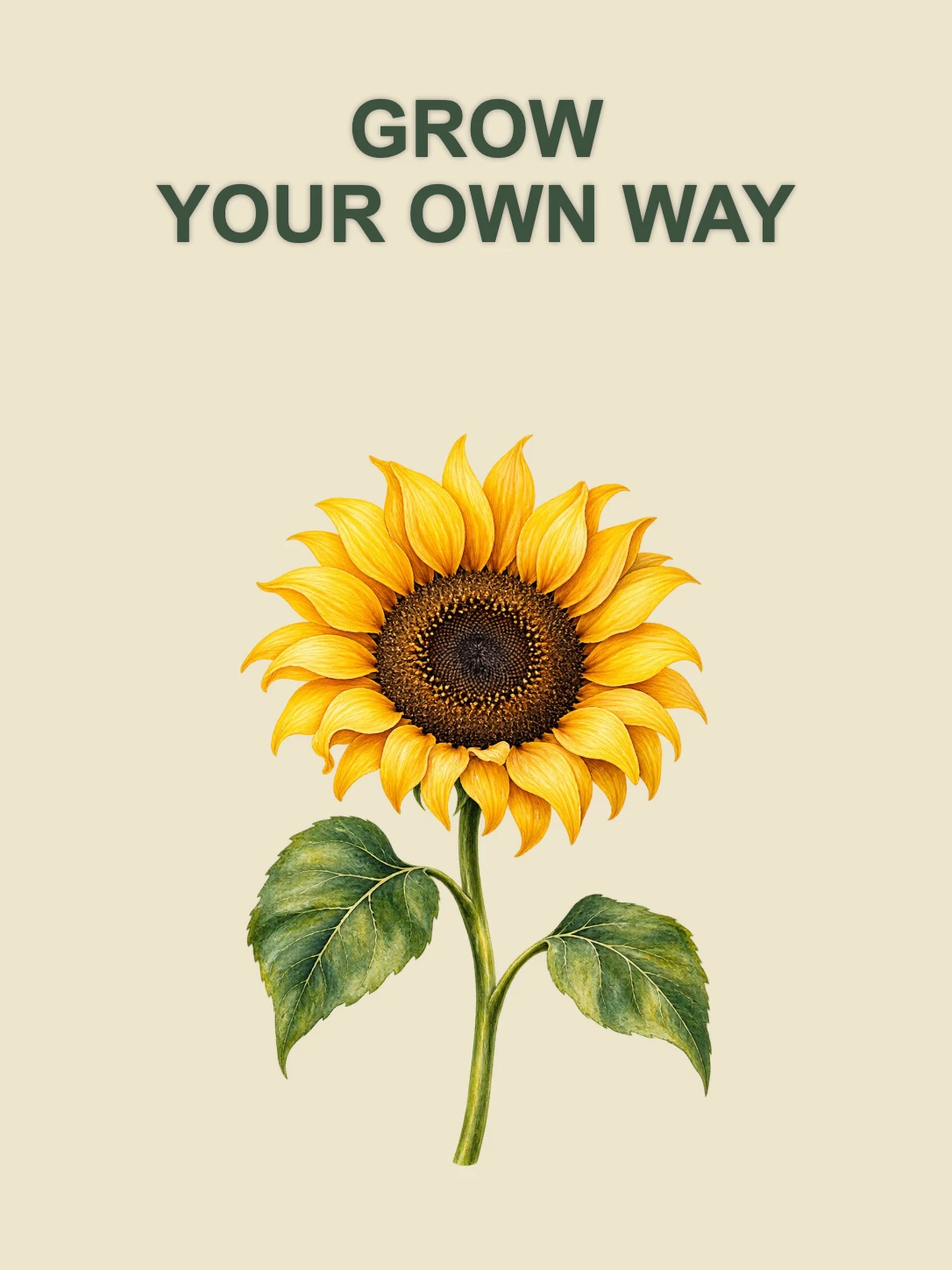
Bring it into a complete image.
Combine your cutout with a template and a text layer. Adjust the layout for a banner, announcement, or social image.
Explore templates and textFrom your photo to a finished image
- 01
Start with your photo
Choose one image to remove its background. For a whole set, open Bulk Editing.
- 02
Make it fit your purpose
Change the background, refine the cutout, or add text and a layout. Review the image as you edit.
- 03
Download the finished image
Export PNG, JPG, or WebP. Use PNG or WebP when you need a transparent background.
Common questions about Bgbye
Will the download be a vector file?
No. Bgbye exports raster images in PNG, JPG, or WebP. Choose PNG or WebP to keep a transparent background; this does not convert the artwork into SVG.
Can I upload more than one image?
Yes. The home page handles one image at a time. To process multiple images together, use Bulk Editing. It requires an account and image credits.
Which image types can I upload?
You can upload PNG, JPG, JPEG, WebP, or AVIF images.
Can I review the result before I download it?
Yes. You can preview the result, compare the edges, and download only when it looks ready.